Swiftly logo
App № 04 / Business · iOS & Web
Swiftly

Invoice faster, get paid easier.

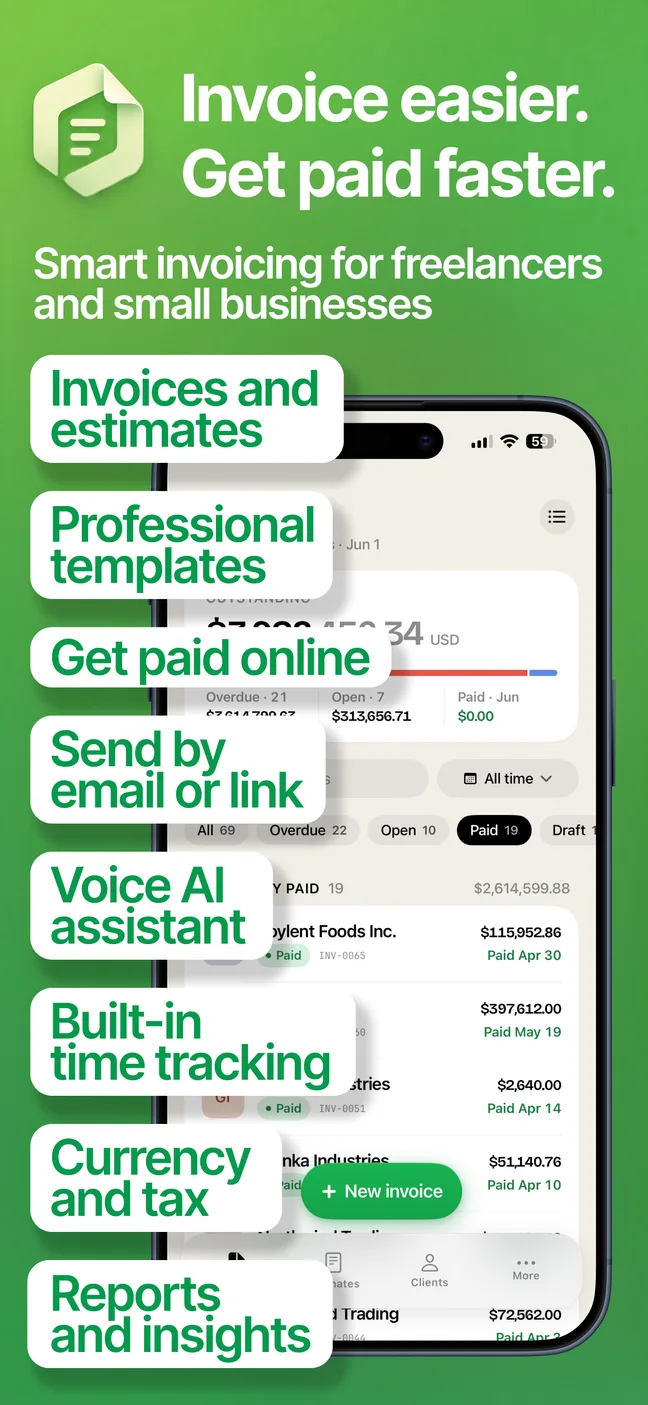
Smart invoicing for freelancers and small businesses. Create invoices and estimates, send a pay link, and get paid — with a voice AI assistant that does the typing for you.

Voice AIStripe & PayPaliOS + Web
— Screens from the app
07 captures · iOS

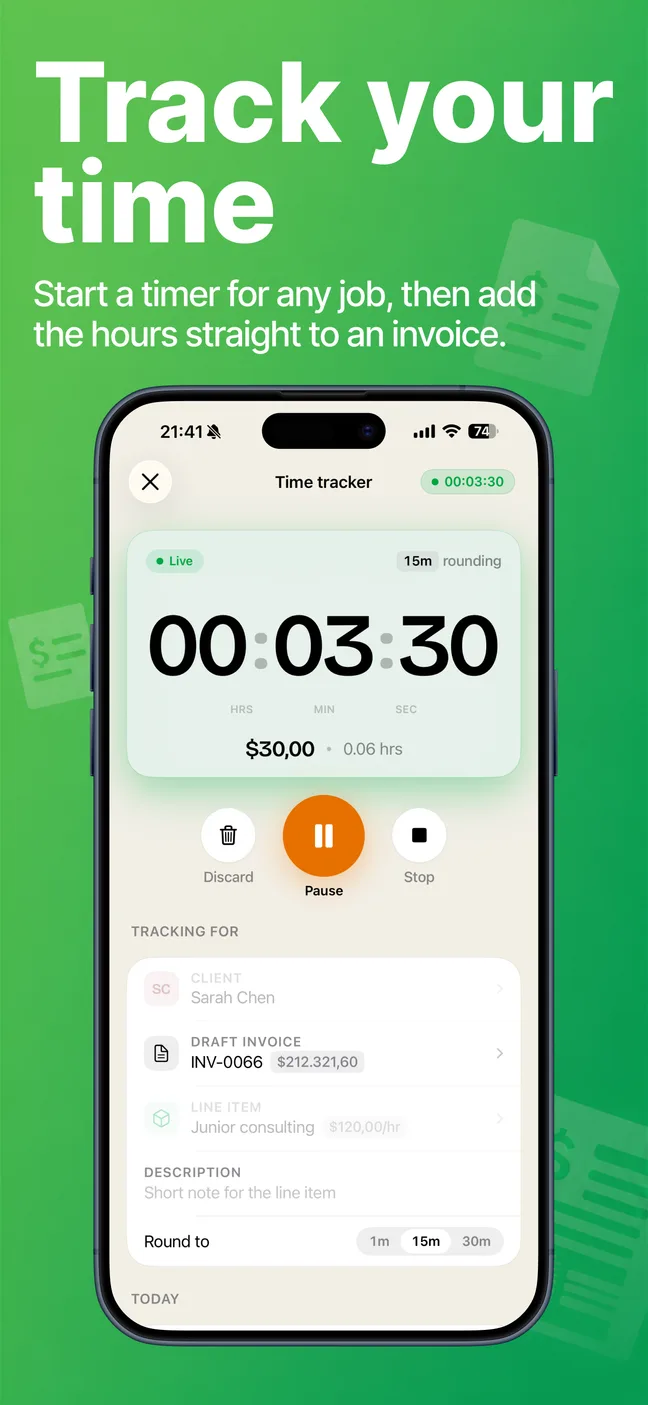
invoice-shots screen 1
01 / 07
invoice-shots screen 2
02 / 07
invoice-shots screen 3
03 / 07
invoice-shots screen 4
04 / 07
invoice-shots screen 5
05 / 07
invoice-shots screen 6
06 / 07
invoice-shots screen 7
07 / 07
§ HowFrom job to paid — three steps
Step 01

Add the details

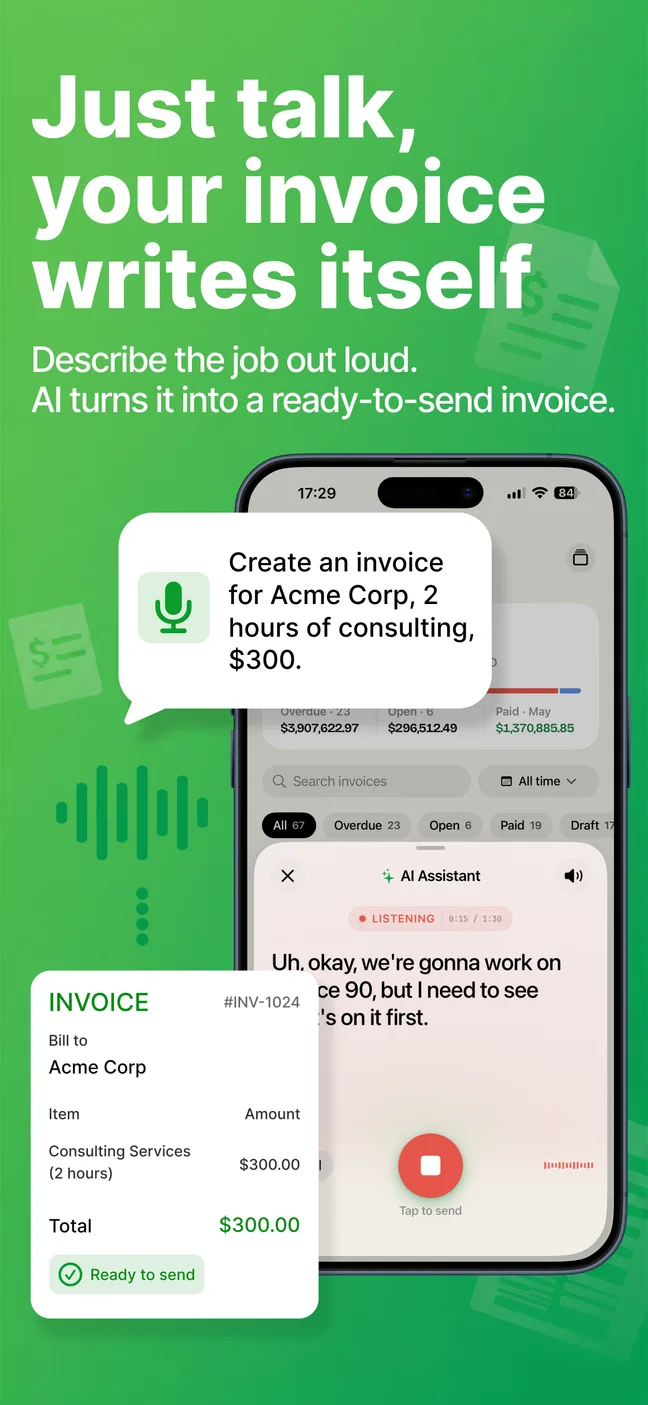
Drop in a client and a few line items — or just describe the job out loud and let AI draft it.

Step 02

AI builds it

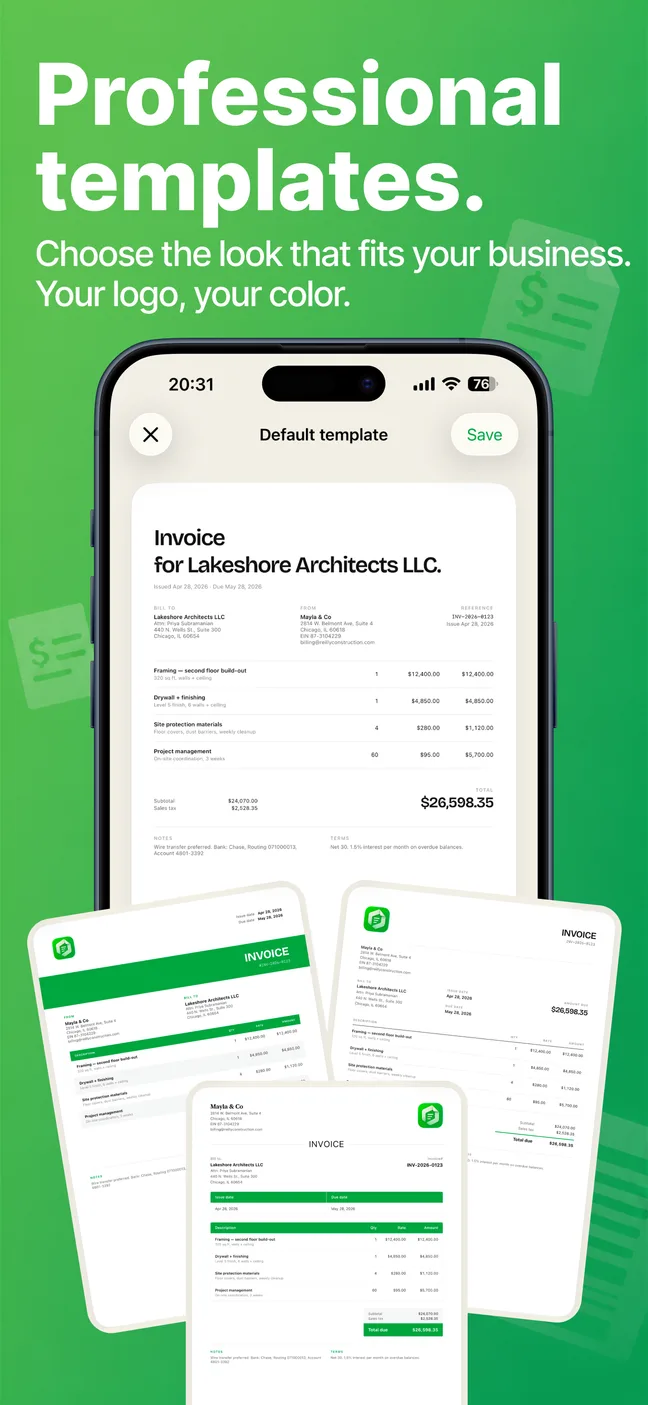
Totals, tax, and a polished PDF, handled. Pick from six templates and make it yours.

Step 03

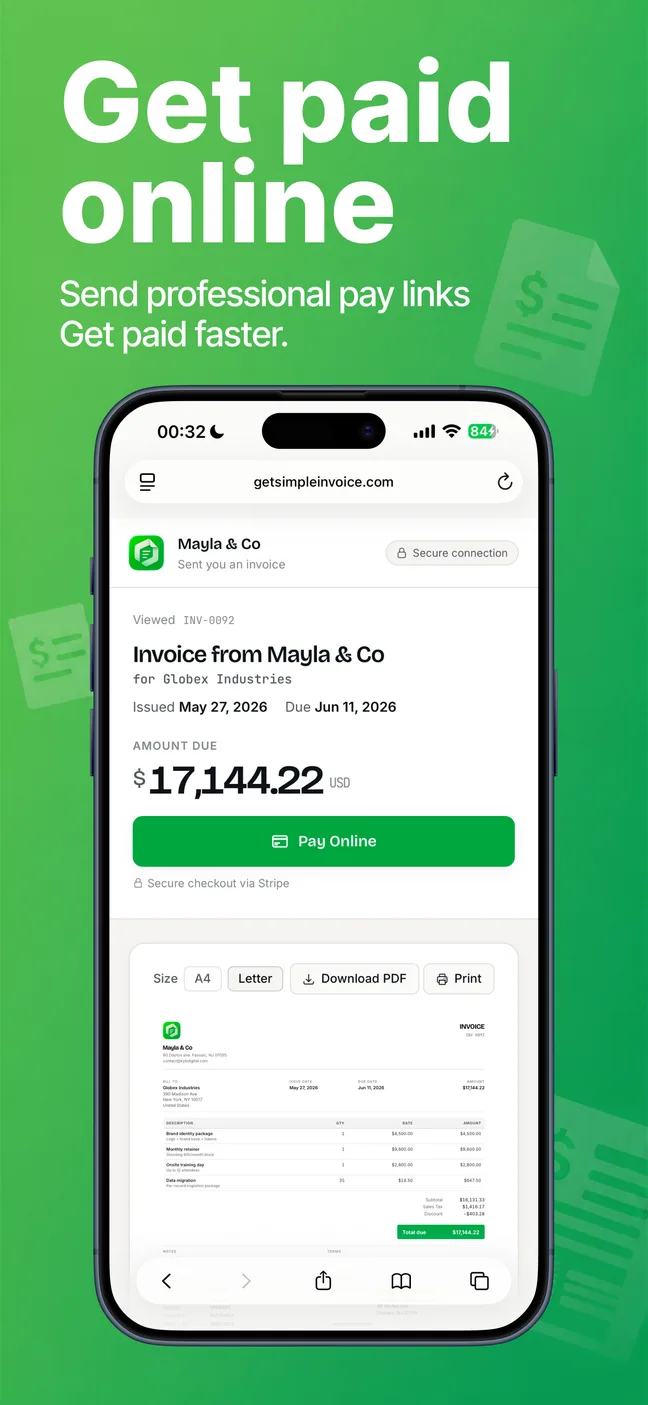
Send & get paid

Email a pay link, take Stripe or PayPal, and watch invoices mark themselves paid.

§ FeaturesWhat it does
01

Invoices & estimates

Create, send, and track both. Convert an accepted estimate into an invoice in a single tap.

02

Voice AI assistant

Describe the job out loud and AI turns it into a ready-to-send invoice — client, line items, totals.

03

Get paid online

Stripe and PayPal pay links built in. Invoices mark themselves paid the moment money lands.

04

6 pro templates

Modern, Classic, Compact, Minimal, Bold, and Sleek — on A4 or Letter. Clean PDFs every time.

05

Clients & saved items

Reusable clients and line items autofill recipient details, pricing, and tax on every new document.

06

Multi-currency & tax

Per-line and per-document tax or VAT, with multi-currency support. Bill anyone, anywhere.

07

Your branding

Upload a logo, set brand colors, and pick custom invoice and estimate number prefixes.

08

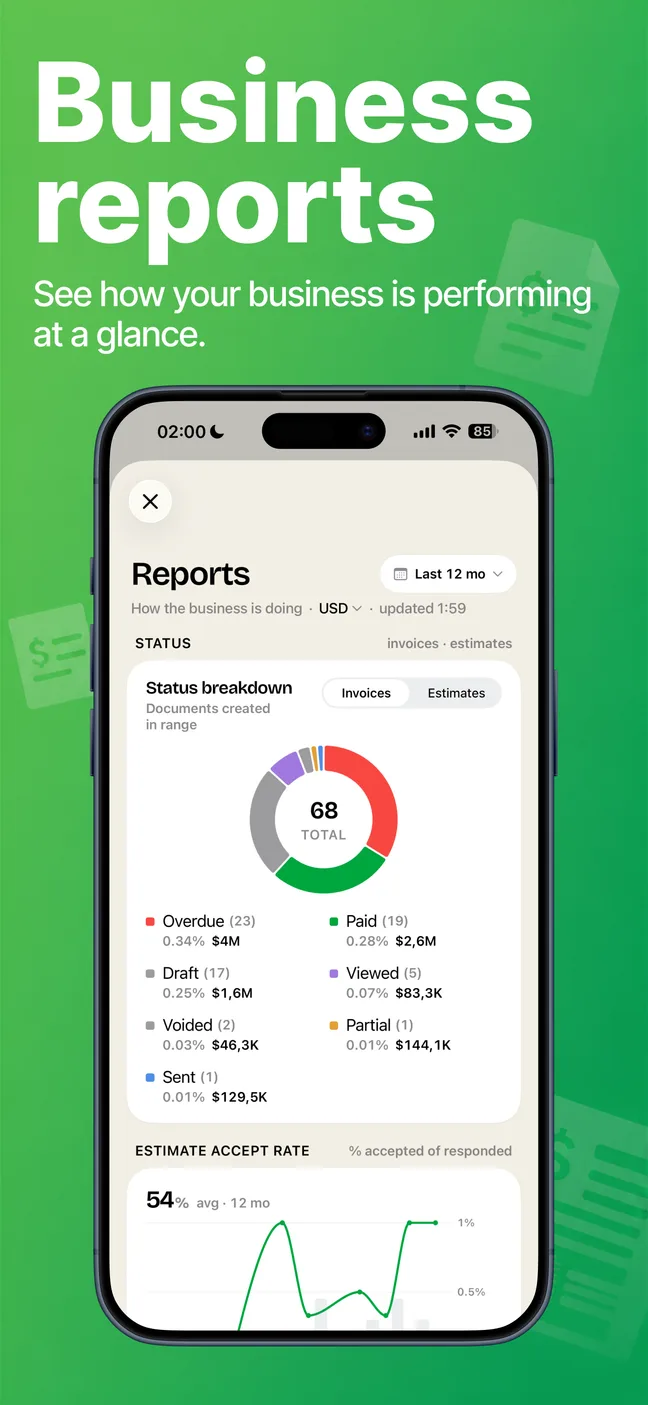
Reports & insights

Revenue over time, paid vs. outstanding, top clients, and status breakdowns at a glance.

— Ready when you are

Try Swiftly today. Your first invoice is minutes away.