— Screens from the app
05 captures · iOS
01 / 05
02 / 05
03 / 05
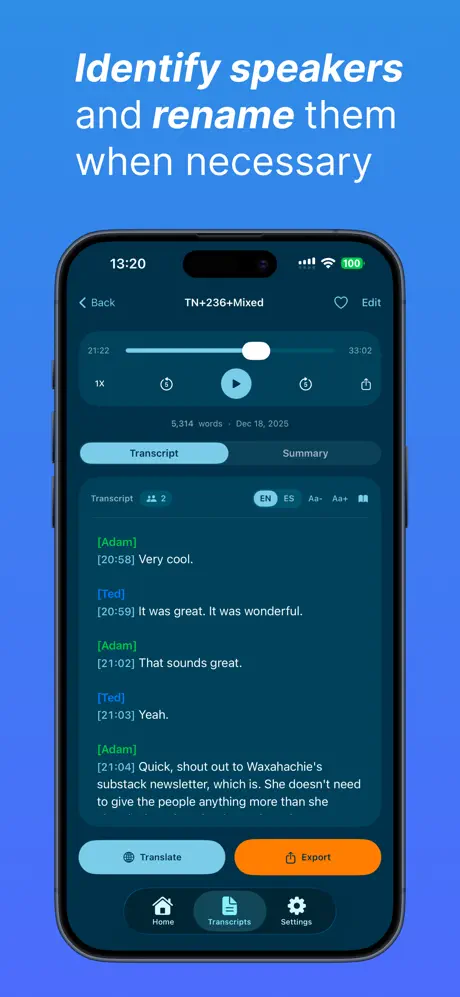
04 / 05
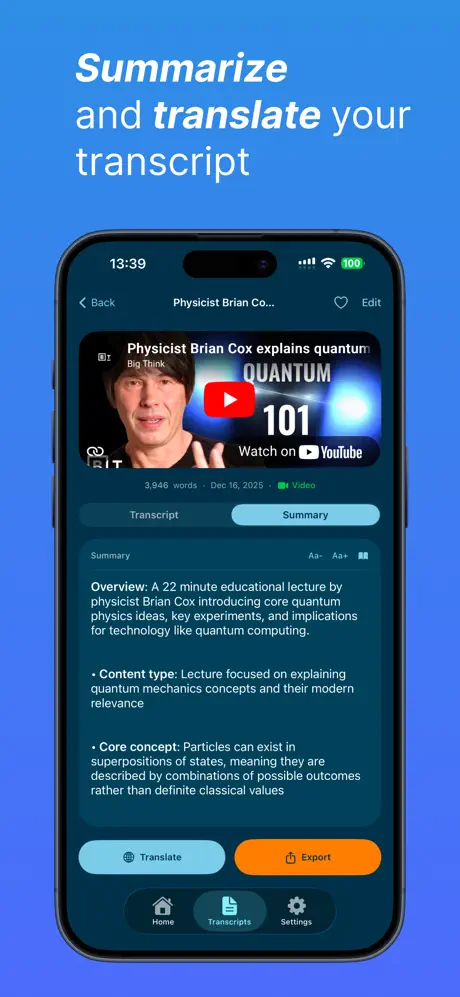
05 / 05
§ ExportFive formats, one transcript
TXT
Plain text
SRT
Subtitles with timestamps
VTT
WebVTT for the web
DOCX
Microsoft Word
Share
iOS Share Sheet
→ SwiftNote
AI notes & flashcards
Built to hand off, wherever you work.
Voxi is one piece of a workflow, not the whole thing. Export the transcript in the format your next tool expects, including a direct line to SwiftNote when you want notes and flashcards.
§ FeaturesWhat it does
— Word from the people who use it
What people are saying.
4.7
★★★★★ · App Store rating
★★★★★
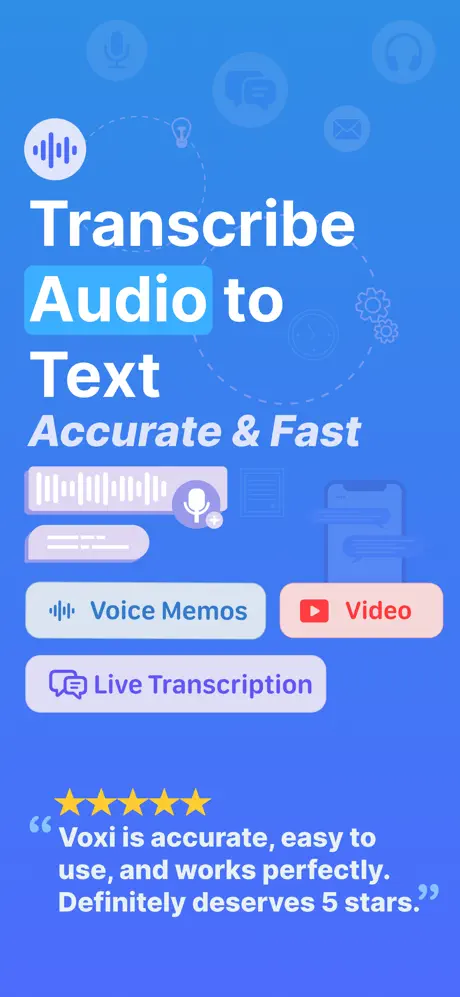
Transcribe audio to text
“Reliable for class lectures. The interface is straightforward and the live transcription is very accurate.”
— VandalP
★★★★★
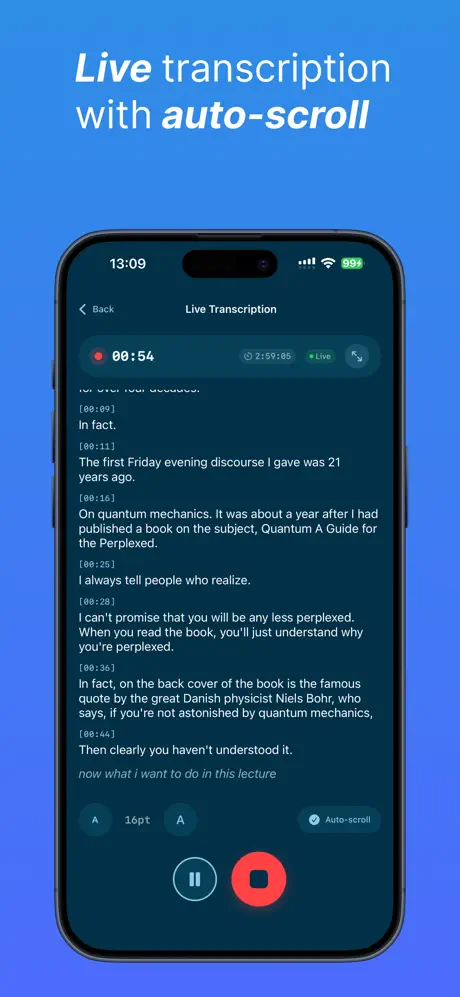
Live transcribe
“It does what it's supposed to do nicely: live transcription is very accurate.”
— Skesterst
★★★★★
Saves me hours every week
“I record all my client calls. Drop the audio in, get a clean transcript in minutes. The SRT export is great for video work.”
— jenna_records
★★★★
Lecture recordings
“Transcribing my anatomy lectures. Not perfect with medical terms but 90% right, way better than typing it myself.”
— MedStudent2026
— Ready when you are